
Push Notes to Helix

About this task

Push consultation notes from AI Scribe to Helix.

Procedure

  1. In pause mode, select the notes you want to push to the Consult screen.
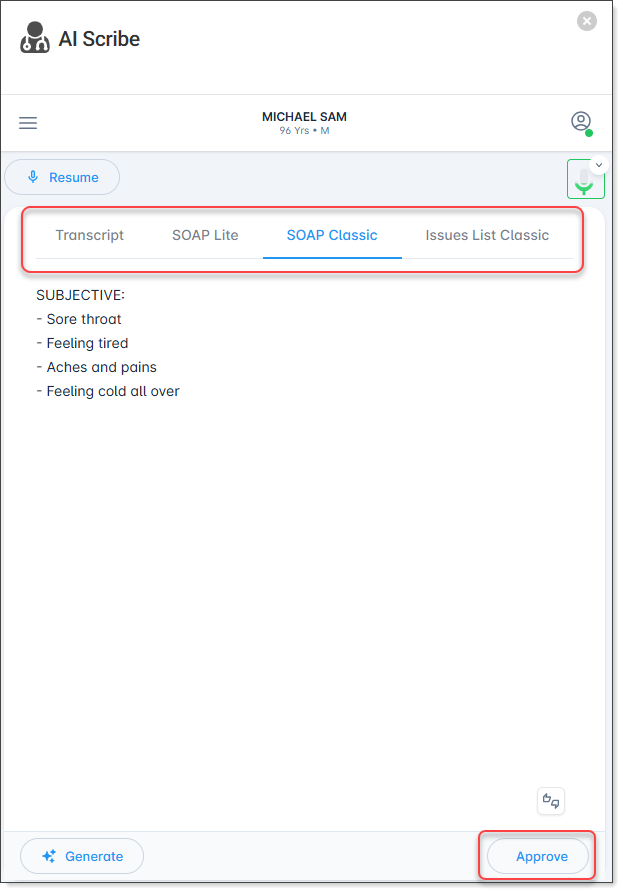

  2. Select Approve.
    Note:
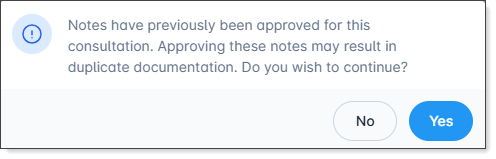
    If the notes you are approving have previously been approved, the following message is displayed.

    After the note is pushed, it is displayed in the Consult screen. If there are existing notes, the new notes are appended to the original consult notes.
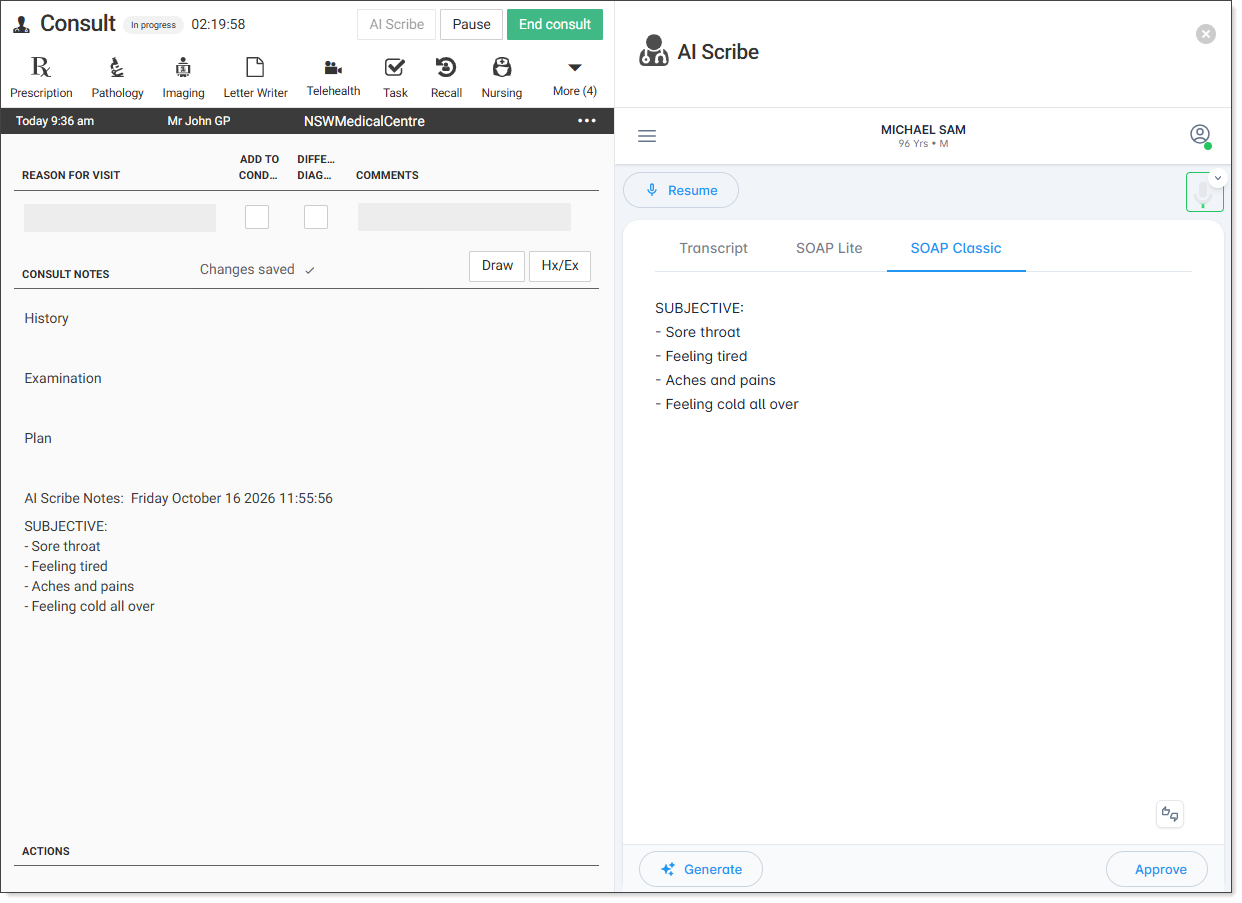

  3. While in pause mode, you can perform the following actions:
    • Resume - resume the recording, the new notes are appended to the original consult notes
    • Generate - open the clinical notes menu to generate another note, see Generate AI Scribe notes
    • Approve - push generated notes to Helix
    • X - close the AI Scribe panel and end the AI Scribe transcription.