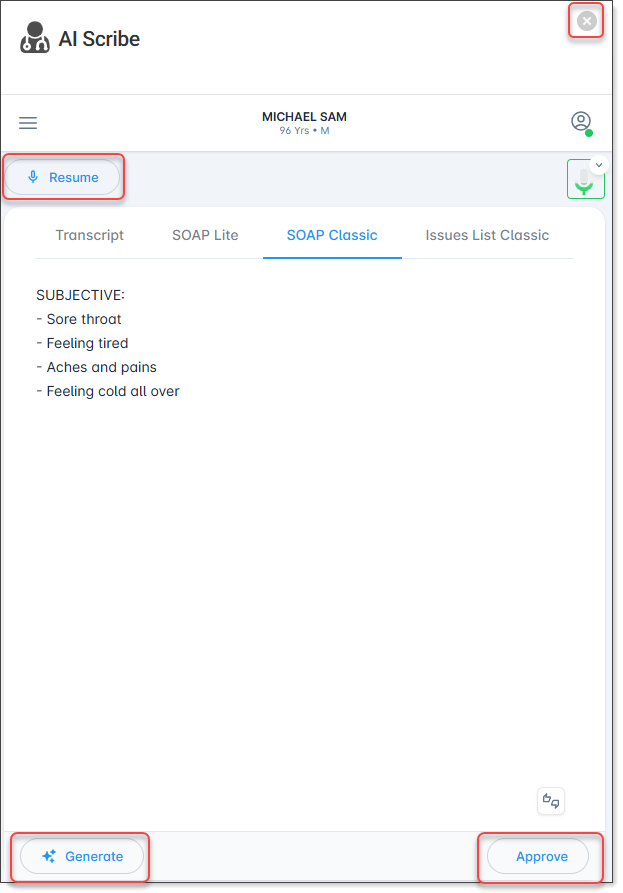
Generate Clinical Notes from the Transcription
About this task
Procedure
-
In pause mode, select Generate.
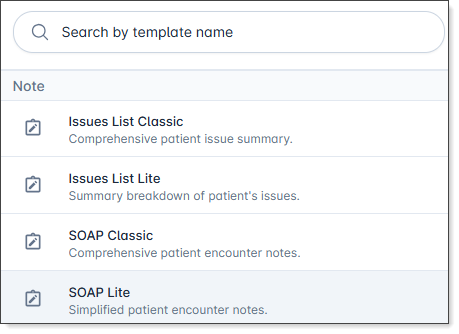
The Note templates menu is displayed.
-
Select the template you want to use to generate the note.
For more information about Note templates, see the AI Scribe vendor user guide.After the note is generated, it is displayed in the the AI Scribe screen.